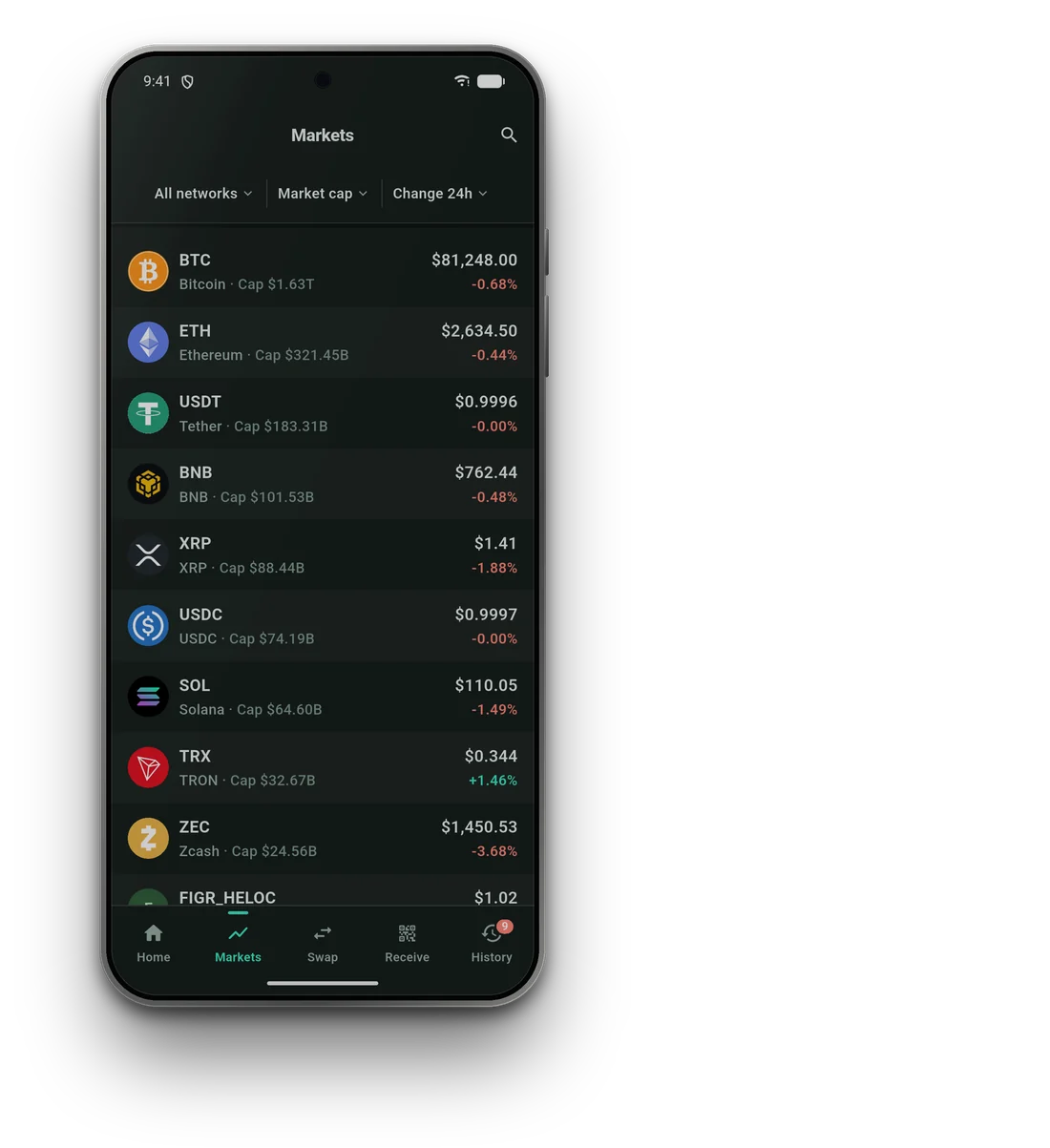
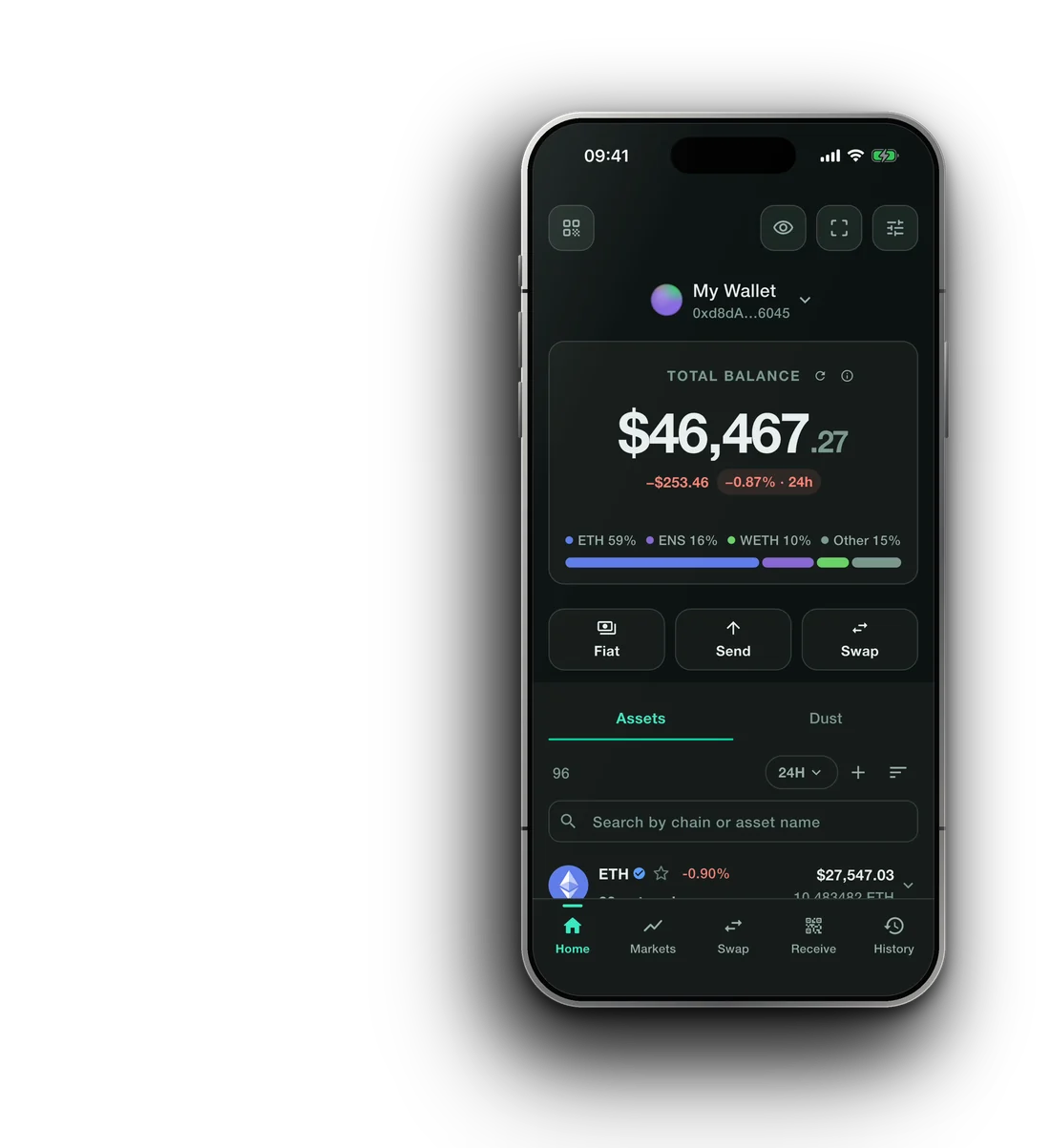
Self-custody · Multi-chain · All accounts

Each wallet has its own recovery phrase. No company holds your coins — not even us.

Four pillars

Control that stays with you

Local signing, device-bound unlock protection, recovery you can distribute and transaction details you can review before you act.

01 · Device-bound unlock

Protected by your device

Your PIN and quick-unlock credentials use your device's secure key storage, with hardware backing where the device provides it.

Your wallet keys remain encrypted on your device. Your recovery phrase is never sent to Smartable.

02 · Multi-chain by design

One recovery, the networks you actually use

Manage Ethereum and EVM networks, Bitcoin across BIP-44, BIP-49, BIP-84 and BIP-86 address formats, Solana, TON, XRP Ledger, Cardano, Polkadot, Kaspa and more from one wallet.

Each chain keeps its own address rules, transaction format and asset model.

03 · Review before you sign

The transaction, not just a button

See the asset, recipient, network fee and total before you sign. For swaps, you choose a route and see the provider, expected output, minimum received and Smartable fee before confirming.

An approval is shown separately from the swap it enables.

04 · Split recovery

Recovery is not one piece of paper

Choose 2-of-3 or 3-of-5 recovery. Split encrypted recovery shares across independent locations such as your device, a written copy and the backup providers you choose.

A single lost device or cloud account does not have to end your recovery plan.

Safety

Warnings before the signature

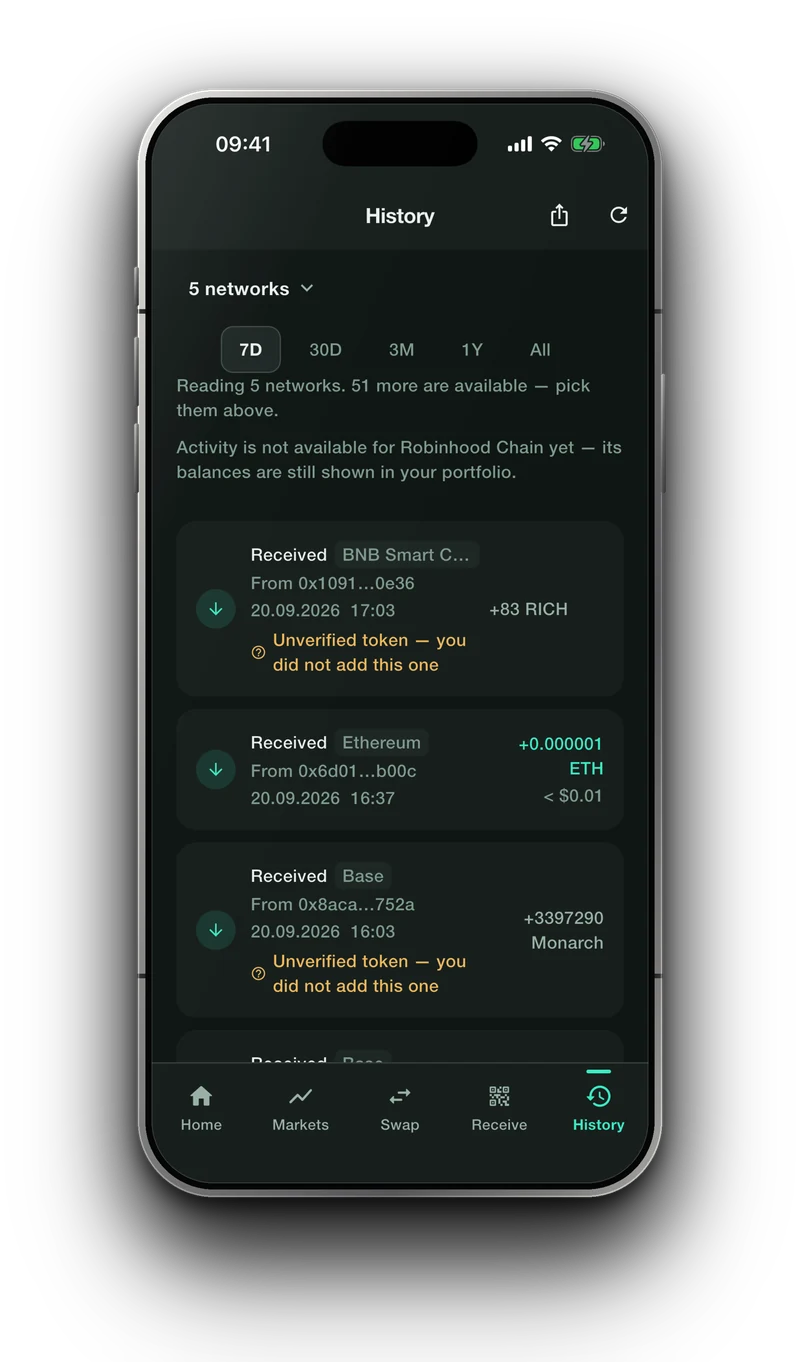
Lookalike addresses are flagged before you send. Unverified tokens and networks that could not answer are marked in your history rather than left to look like nothing happened.

  • Unverified tokensVisible, never mistaken for trustedTokens you did not add can be marked as unverified and kept distinct from assets you chose to track.
  • Incomplete dataSilence is not a zeroIf a network, token contract or data source cannot answer, Smartable says so. Missing data is never quietly turned into an empty balance or clean history.
  • Lookalike addressesThe first and last characters are not enoughSmartable can flag suspicious address-poisoning patterns before you send. Verify the full recipient address every time.
Smartable on an iPhone, showing the history screen marking unverified tokens and a network whose activity is unavailable

Recovery

One recovery plan. More than one way back.

Losing a phone should be an inconvenience, not the end of your wallet. Choose the recovery arrangement that fits how you want to store it.

01 · Write it down

Start with your recovery phrase

Write your recovery phrase down offline and keep it somewhere only you can access. One recovery can restore accounts across the networks in your wallet.

Illustration: a hand-written list of words, marked as confirmed
02 · Verify it

A backup should be proven, not assumed

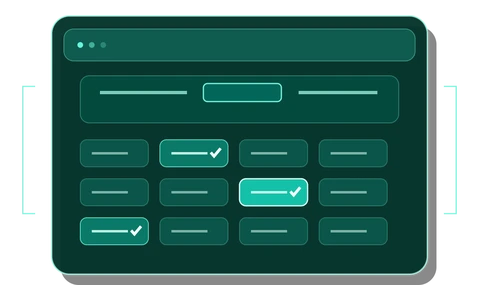
Smartable asks you to confirm recovery information before you rely on it. A backup you have not tested is a plan you have not finished.

Illustration: a grid of word choices with three of them picked out and ticked
03 · Split it

Choose 2-of-3 or 3-of-5 recovery

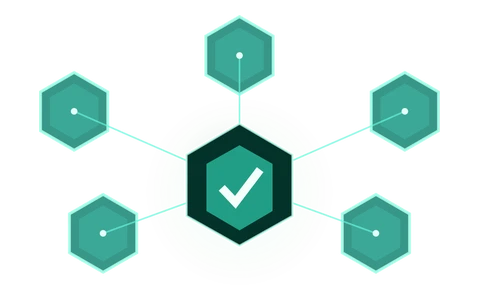
Smartable splits and encrypts recovery shares on your device. Choose independent locations for them: your device, a written copy and the backup providers you choose.

Smartable does not hold your recovery phrase, shares or backup password.

Illustration: one protected secret at the centre, linked out to five separate shares

Swap & buy

Compare. Choose. Stay in control.

Compare available swap options or buy crypto with a card. Review the details, choose the option, and approve from your wallet.

Swap across chains

Compare available options for the pair you choose. Net amount and fees are shown before you confirm.

1.00 ETH on EthereumtoUSDC on Base
  • Availableexpected to receive 3,412 USDC
  • Availableexpected to receive 3,398 USDC
  • Unavailable for this pair
Example only. Offers vary by pair, network and amount.

View swap options

Buy or sell through a provider

Continue to a third-party provider to buy crypto with a card or, where available, sell crypto for fiat.

Buy

  1. Card
  2. Provider
  3. Checkout
  4. Your wallet

Sell

  1. Crypto
  2. Provider
  3. Checkout
  4. Payout

The provider shows its final price, fees and verification requirements before you complete checkout.

Smartable never receives your card details.

Check availability

AI connections · Beta

Connect the AI tool you choose

Connect the AI tool you choose to analyse the wallet data you choose to share. Smartable gives it read-only access to selected balances and activity for one wallet account and the networks you choose.

You decide what it can see. Smartable does not provide an AI model or send requests to one on your behalf.

What you choose to share

  • One wallet account
  • Selected networks
  • Balances
  • Activity by network

You can change or stop sharing at any time.

What stays on your device

  • Recovery phrase
  • Private keys
  • Wallet credentials
  • Transaction-signing authority

Smartable does not send these values to the connected tool.

Read-only by design

A connected AI tool can analyse the data you share, but cannot sign, send, swap, change a recipient, schedule an action or move funds.

Agent wallet · Beta

Separate funds. Clear limits.

Create a separate wallet for an AI agent. It has its own recovery phrase, accounts and balance — completely separate from your Primary Wallet.

Fund it only with what you are comfortable allocating to that wallet. You set the networks, permitted request types and per-asset limits. Every transaction still requires your review, confirmation and signature in Smartable.

Separate by default

  • Own recovery phrase
  • Own accounts and balance
  • Separate from your Primary Wallet

An AI connected here can reach nothing in your Primary Wallet.

You set the limits

  • Selected networks
  • Permitted requests
  • Spending limits

Pause or revoke access at any time.

Control stays with you

An Agent Wallet is a separate wallet, not access to your Primary Wallet.

FAQ

Straight answers

Get started

No account. No email. No custody. Just the app.

Read the disclosures

Nothing on this website constitutes investment, financial, legal, or tax advice. All information is provided for informational purposes only. Smartable Wallet is non‑custodial, self‑custody software; you are solely responsible for your own decisions and for securing your private keys. Digital assets are volatile and can lose value. Past performance is not indicative of future results. Please view our Terms of Use for more information.

Smartable

© 2026 Smartable™ · Non-custodial self-custody software. Private keys are designed to remain on your device. You are responsible for your own keys.